A voice-following teleprompter for the live take

Eyes up. The script waits.

Terera moves your words around the screen the way a speaker’s eyes actually move — settling on one face, turning between two, sweeping a room. It listens while you talk: pause and it waits, improvise and it holds your place until you circle back. Reading, done properly, looks like looking.
Holds one gaze · Turns between two · Works the room Windows first · macOS next Your script and your voice stay on your machine
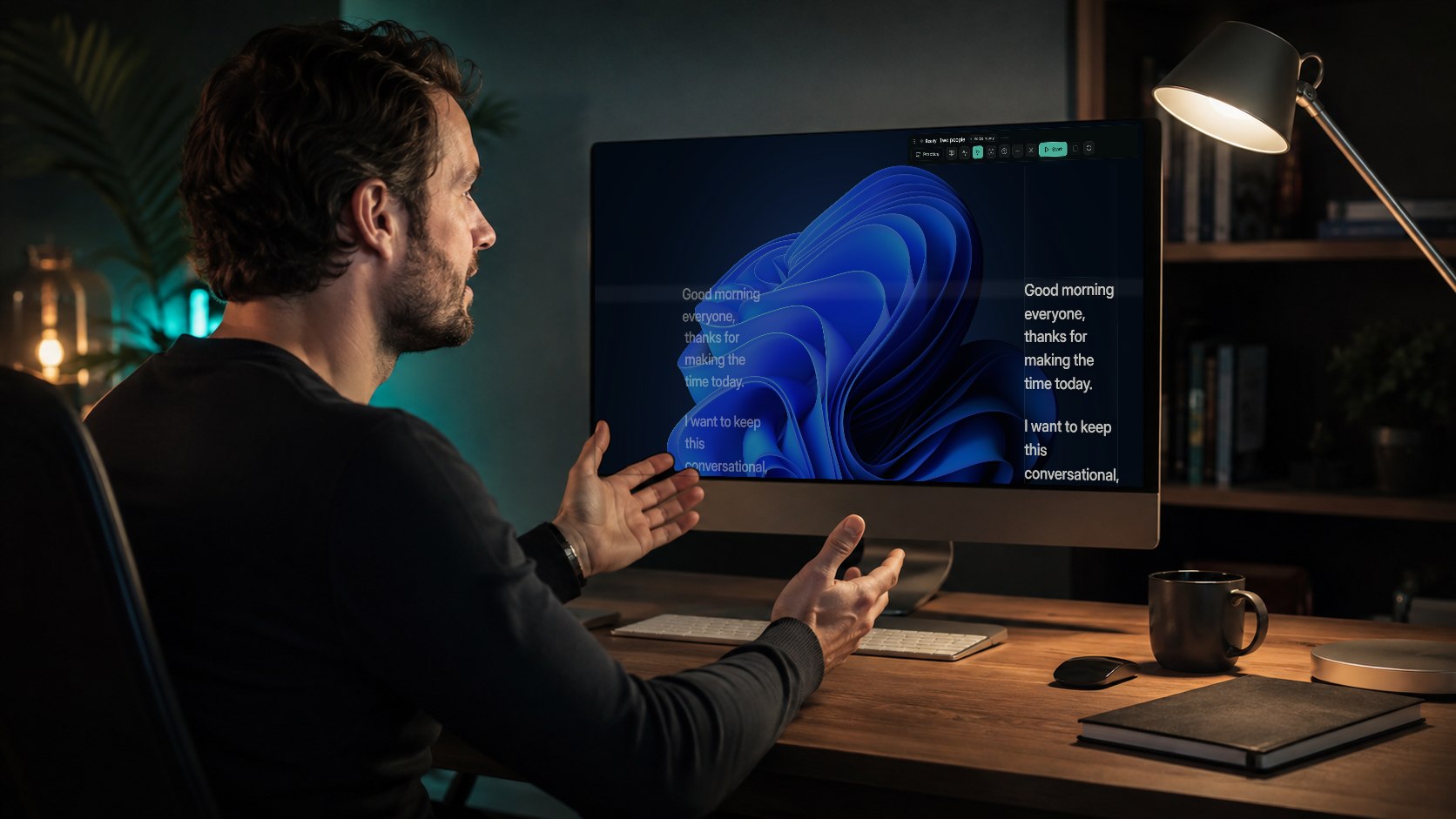
A man on a video call at his desk. On his monitor, the Terera script sits in two fixed columns beside the call window — the active column is ringed
Two-people mode on a call. The script holds at two fixed spots — the ring shows which one is live.
01 — What it's for

Anywhere you'd rather look up.

Same app in every shot — over a call, next to a camera, on a TV across the room. The script sits where your eyes should be anyway.
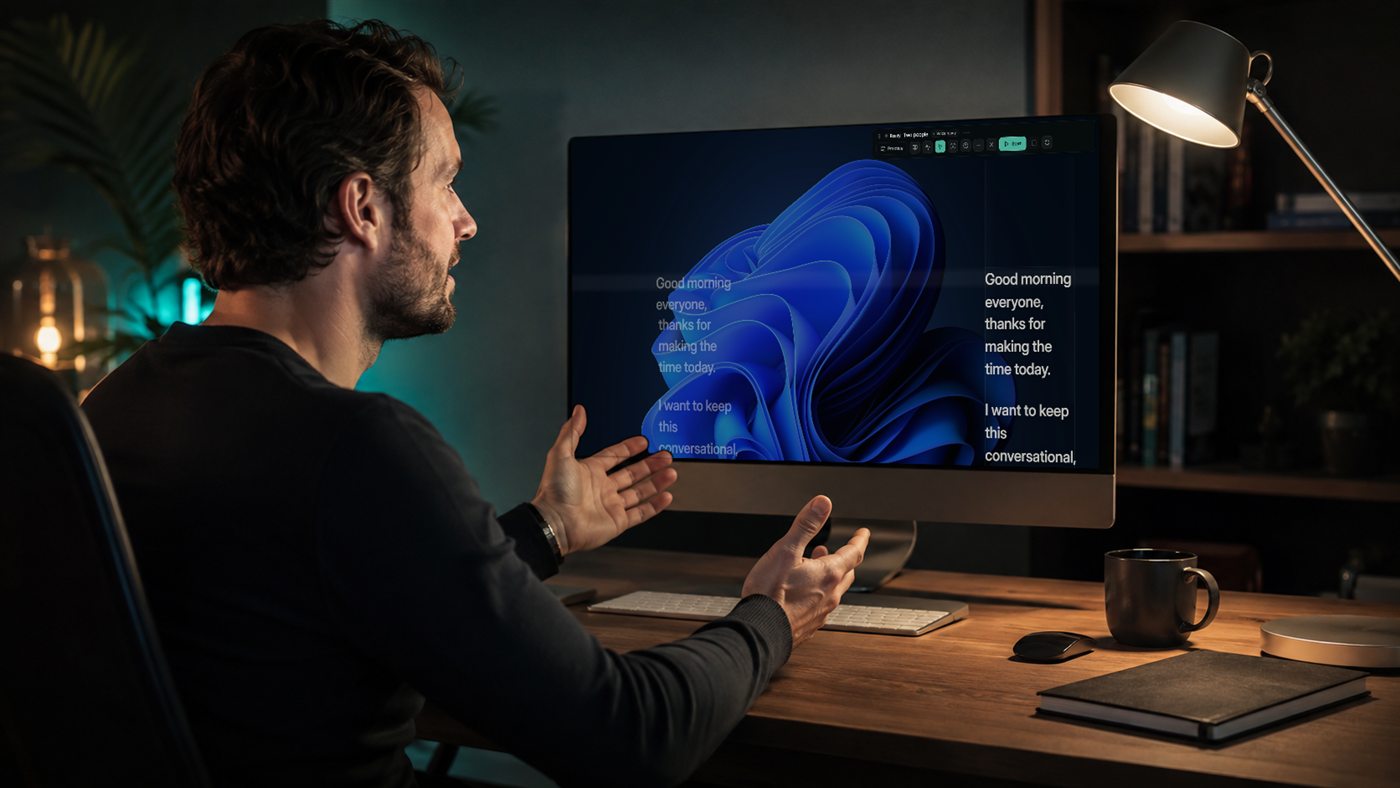
A home office during a video call: the Terera script floats in two columns over the desktop beside the meeting window
The weekly call. It floats over the meeting and stays out of your screen share.
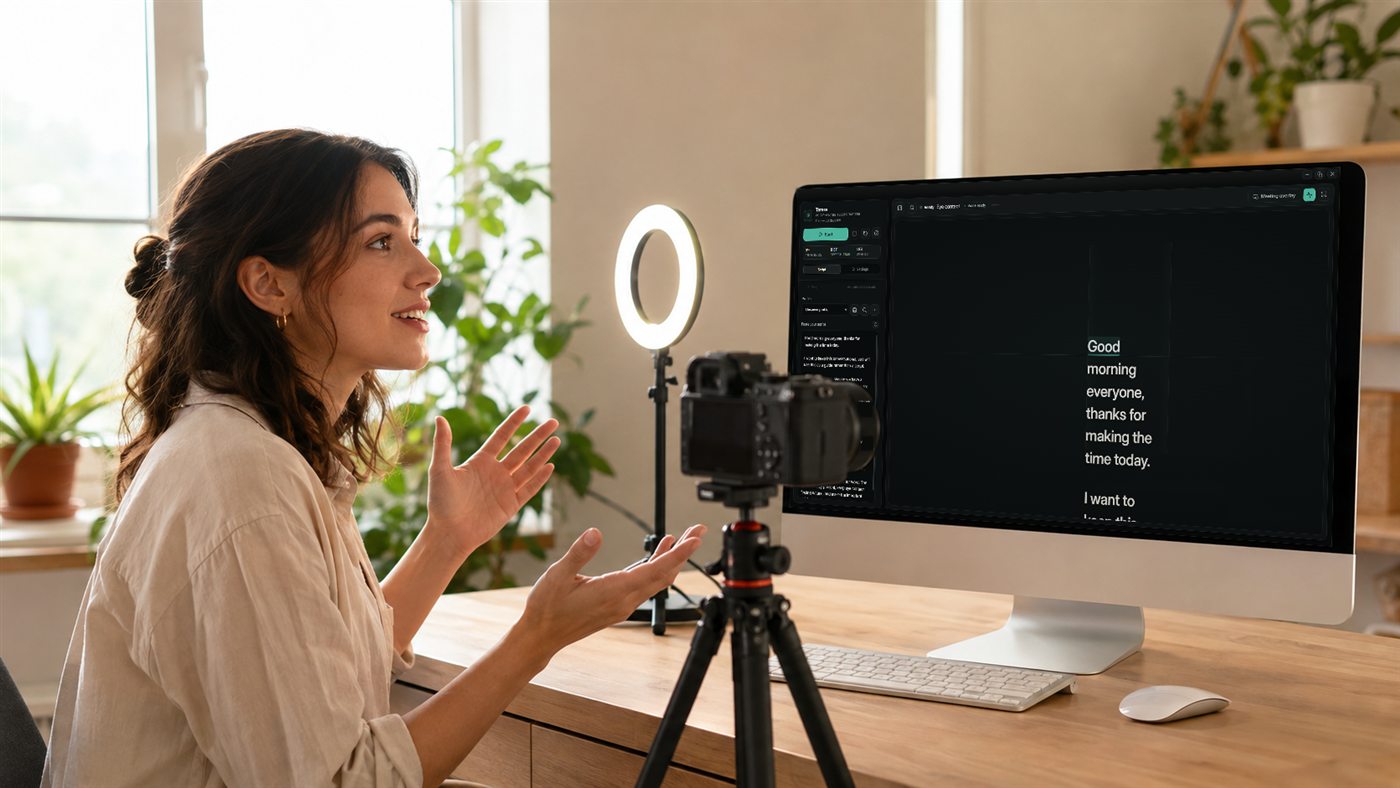
A creator's recording setup with a camera and key light; the Terera script view is open on the monitor
Recording to camera. The script sits at the lens, so the take looks like you talking.
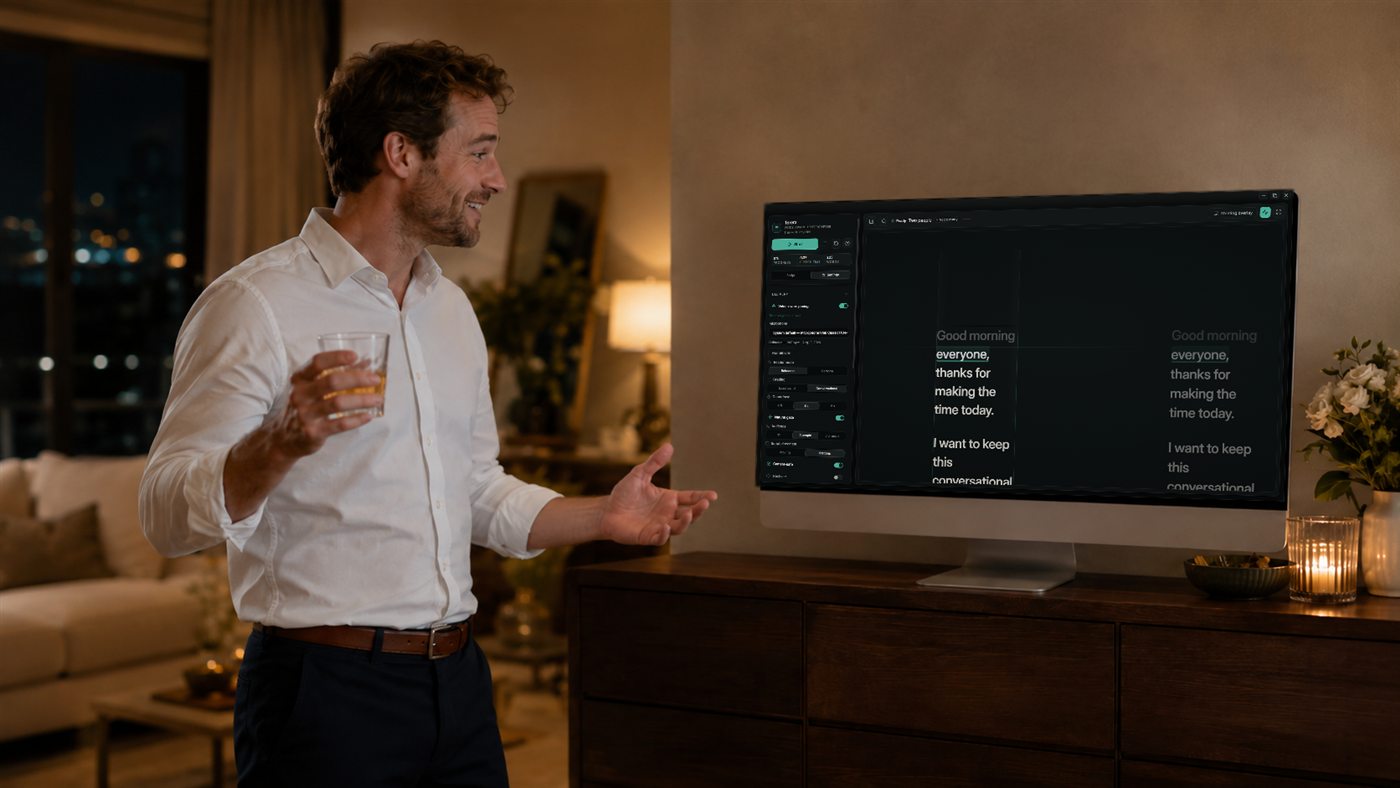
A man in a living room in the evening, drink in hand, practising a speech from a TV showing the Terera script in two columns
The wedding speech. Practise it until your eyes are on the room, not a page.
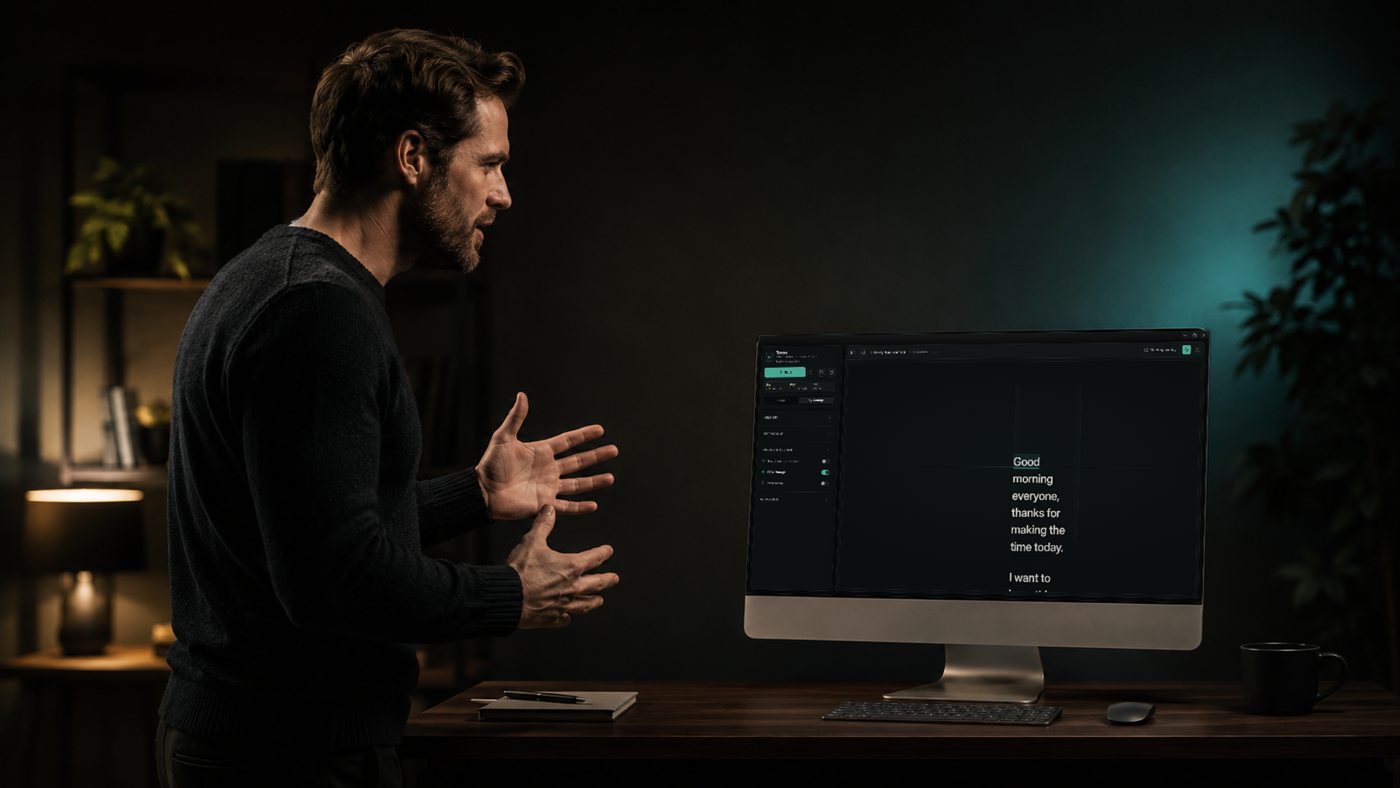
A man rehearsing a talk out loud at his desk, the Terera app open on the monitor with the script mid-read
Rehearsing out loud. It follows your voice, not a timer — stop and it waits.
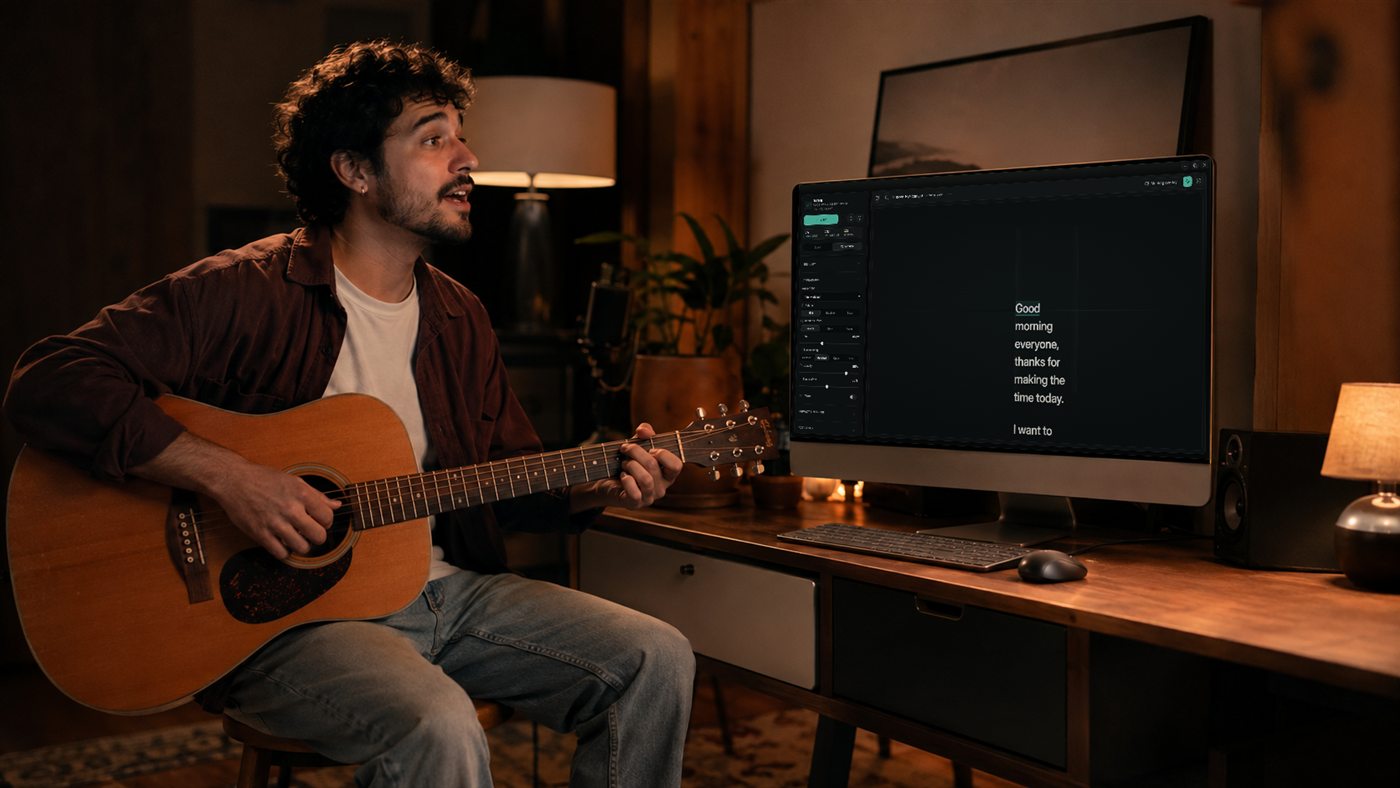
A musician with a guitar at a desk, the Terera reader open on the monitor beside them
Lyrics and lines. It won't follow you when you sing, but it will hold the words while you learn them.
02 — The gaze engine

A prompter that knows who you are talking to. Because you told it.

Where your eyes go depends on who's listening. One person, and they stay put. Two, and you turn between them. A room, and you make the tour and come back. A gaze has choreography — nobody wrote it down, but everyone can tell when it's wrong.

Terera drives the script along those same paths, so the text is always sitting exactly where your eyes were about to go. You just talk, and it keeps up.

Stop, and it assumes you're listening. Wander off to make the better point that just occurred to you, and your place is kept until you land back on the page.

Firstly, last quarter

Firstly, last quarter

{{ gazeState }} {{ gazeDetail }}
{{ activeBody }}
And when you stop talking
Go quiet in one-to-one or two-person mode and Terera assumes you're listening. It holds your place, quietly, until you speak again.

You talk. It follows.

And how it moves is yours to change — pattern, reach, pace, all of it.

02 Why this, why now

Delivery is what they remember.

A camera lens is a terrible audience. It never nods, never leans in, and it notices everything — especially the flat, left-to-right flicker of a person reading. People are tuned for gaze the way they are tuned for pitch: we register a degree of drift before we can name it, and we quietly file it under not quite true.

That is the teleprompter's original sin. It solved reading, and broke looking — it makes honest people look like they are performing honesty.

Terera's answer is mechanical, not cosmetic. It routes your words along the paths eyes actually travel, and it listens as you speak, so the script keeps your pace instead of setting it. The reading disappears. The looking remains.

03 — The research

Evaluators — professional recruiters among them — rated the same person as more competent and more intelligent when they heard the pitch than when they read it.

Adding video on top of audio changed nothing. The voice was doing the work.

Schroeder & Epley
Psychological Science 26(6), 2015
pp. 877–891
doi:10.1177/0956797615572906
Where we stop
The study measured spoken job pitches. Reading it across to your meetings is our inference, not the authors'.
04 — What it does

What it actually does.

{{ c.num }}
{{ c.title }}
{{ c.body }}
{{ modeLabel }} SIMULATED — THIS PAGE DOES NOT USE YOUR MICROPHONE
{{ w.t }}
OFF SCRIPT {{ offClock }} — POSITION HELD
Or hold SPACE to simulate speaking
Your run — live
It tells you how you did.
{{ m.k }} {{ m.v }}
A short summary of the run — where you rushed, where you paused, whether it beat the last one.

A simulation of the real thing · hold to speak, release to stop, leave the script and come back

Keep going — how it works Back to the gaze engine

This is the real thing.

Pictured: reading. It doesn't look like it — that's the point. The first shot is Terera floating over a desktop in two-people mode, click-through, on top of whatever you're presenting from. From there you make it yours: the font, the colours, how far it moves, whether it moves at all.
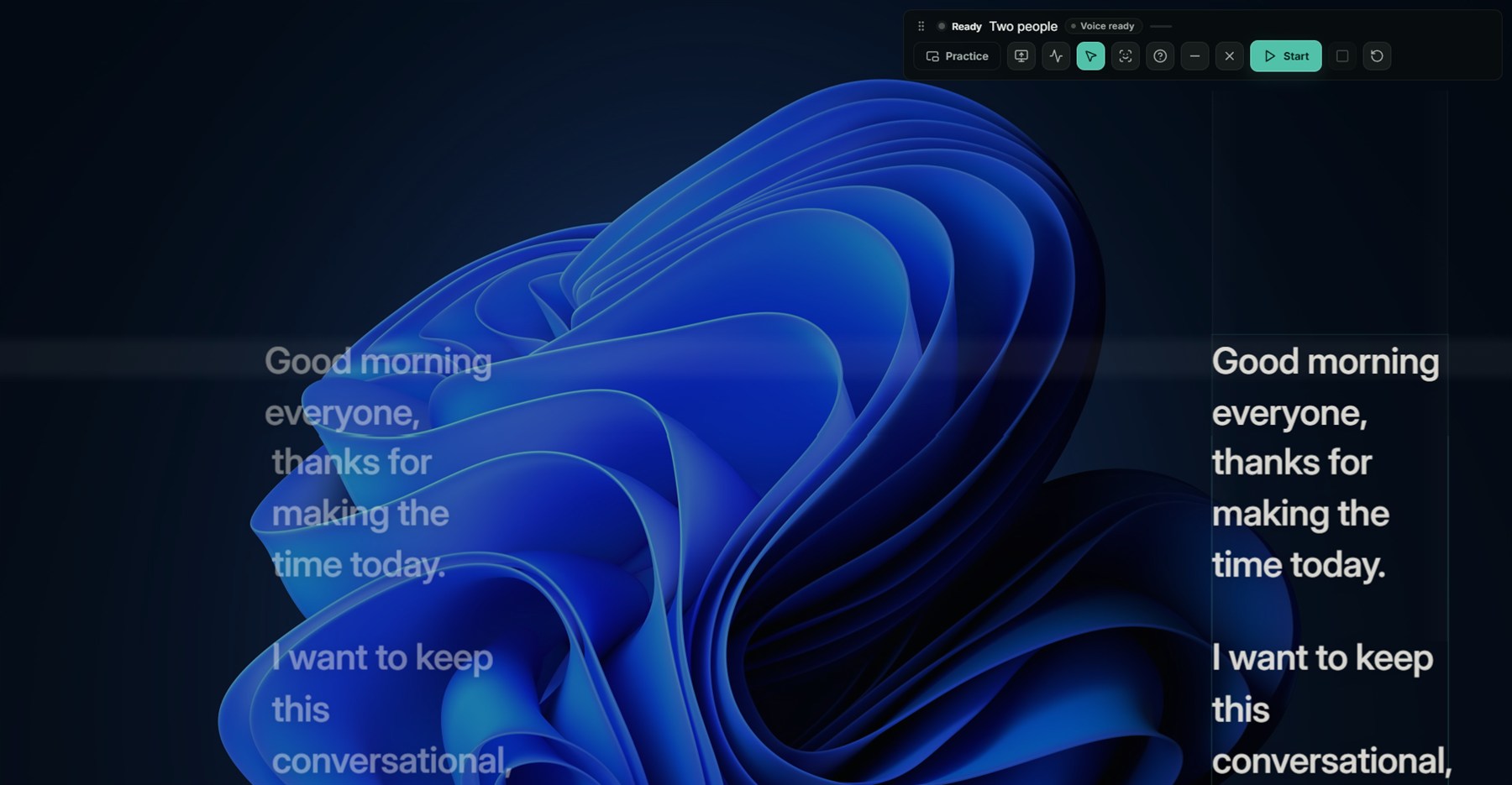
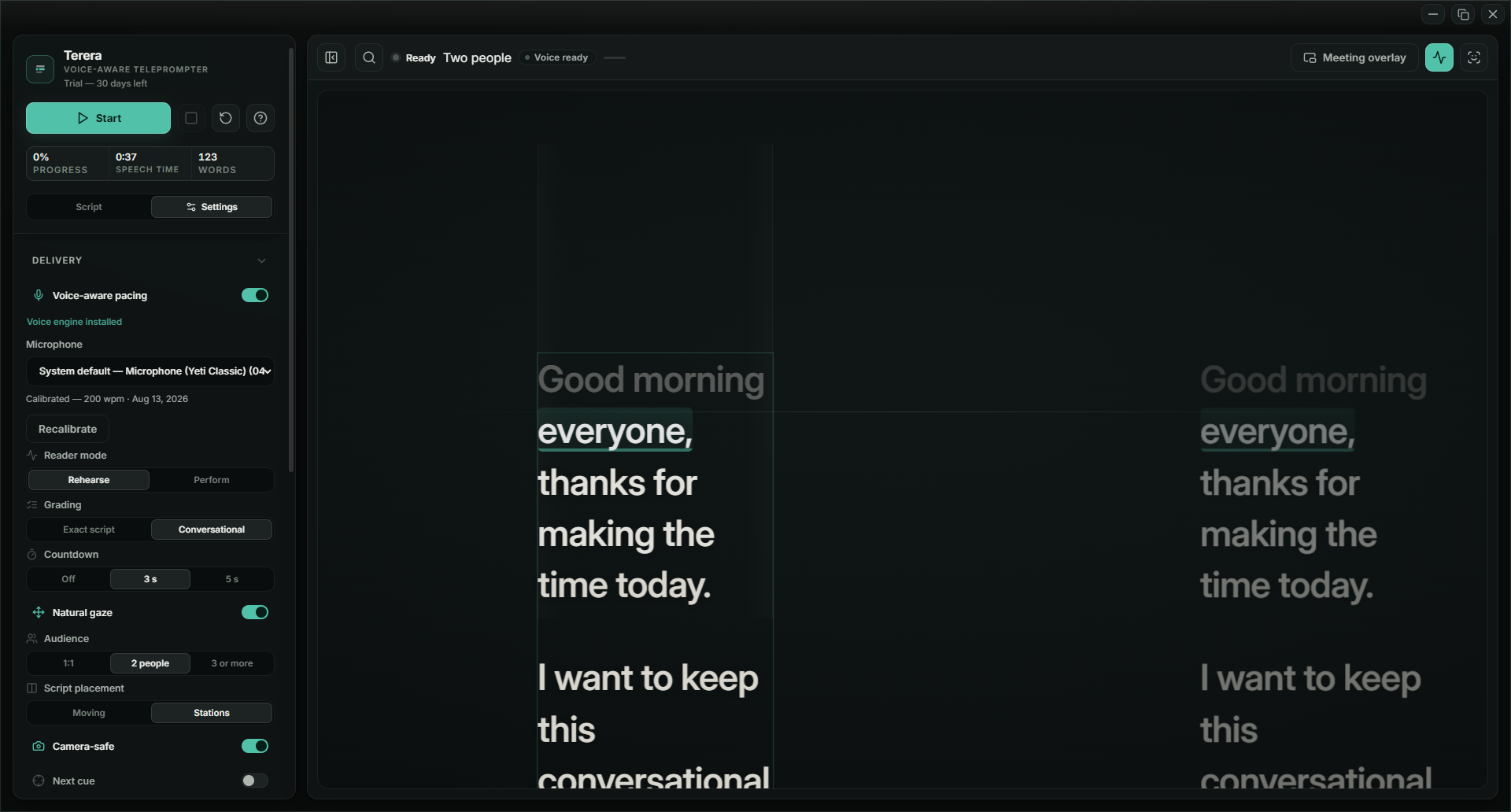
Terera overlaid on a Windows desktop in two-people mode: the script sits in two fixed columns, the right one bright, the left one dimmed
Over your desktop — or your slides. Two fixed columns: the bright one is live, and it alternates the way you'd glance between two people.
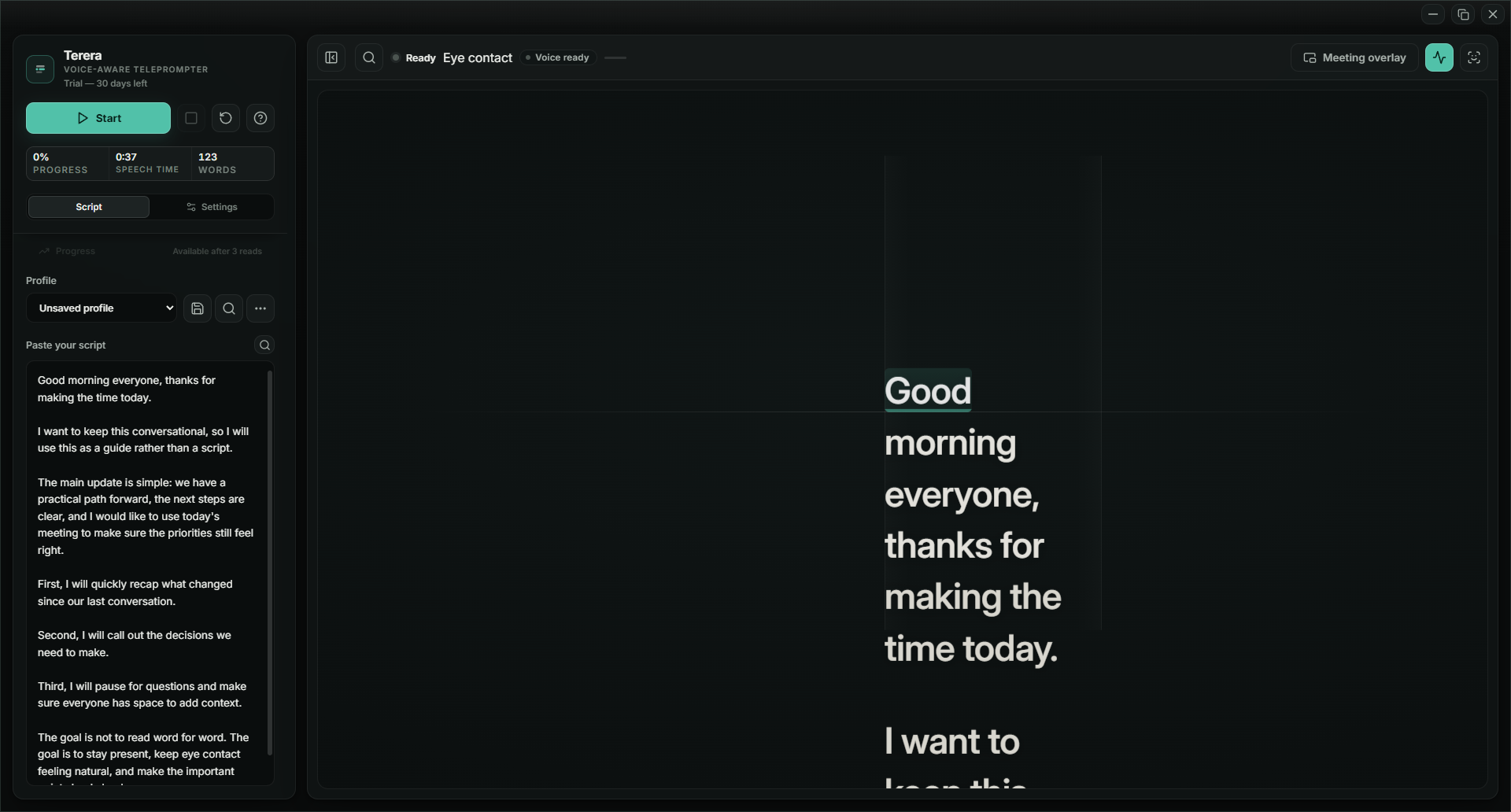
The Terera editor: script pasted on the left, the reader on the right, one Start button
Paste your script, press Start. That's the setup.
Delivery settings beside the live reader: microphone, audience size, and the Moving-or-Stations script placement switch
Tell it who you're talking to, and whether the script moves or holds still.
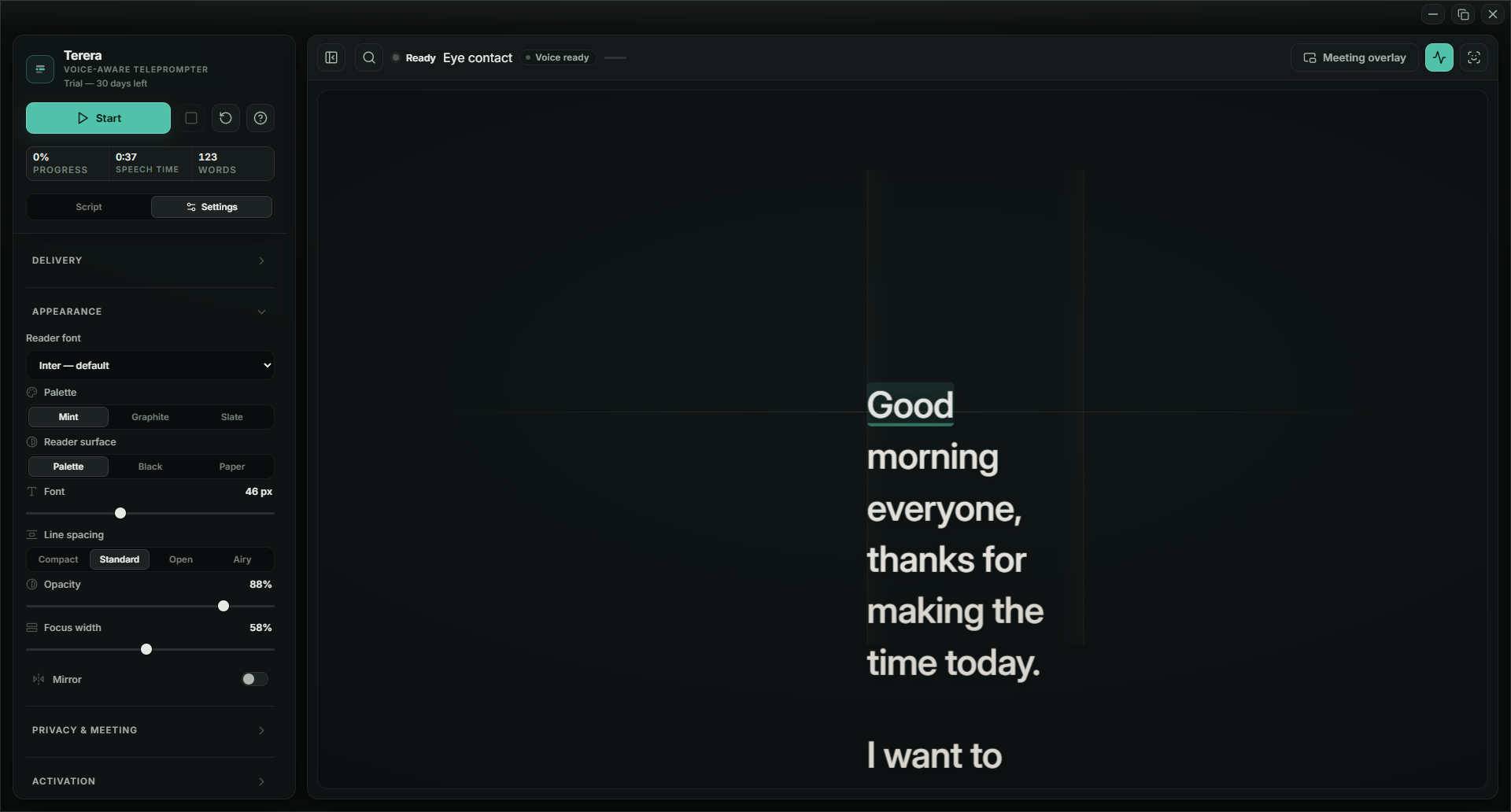
Appearance settings: reader font, palette, surface, text size and line spacing
Your font, your colours, your reading surface.
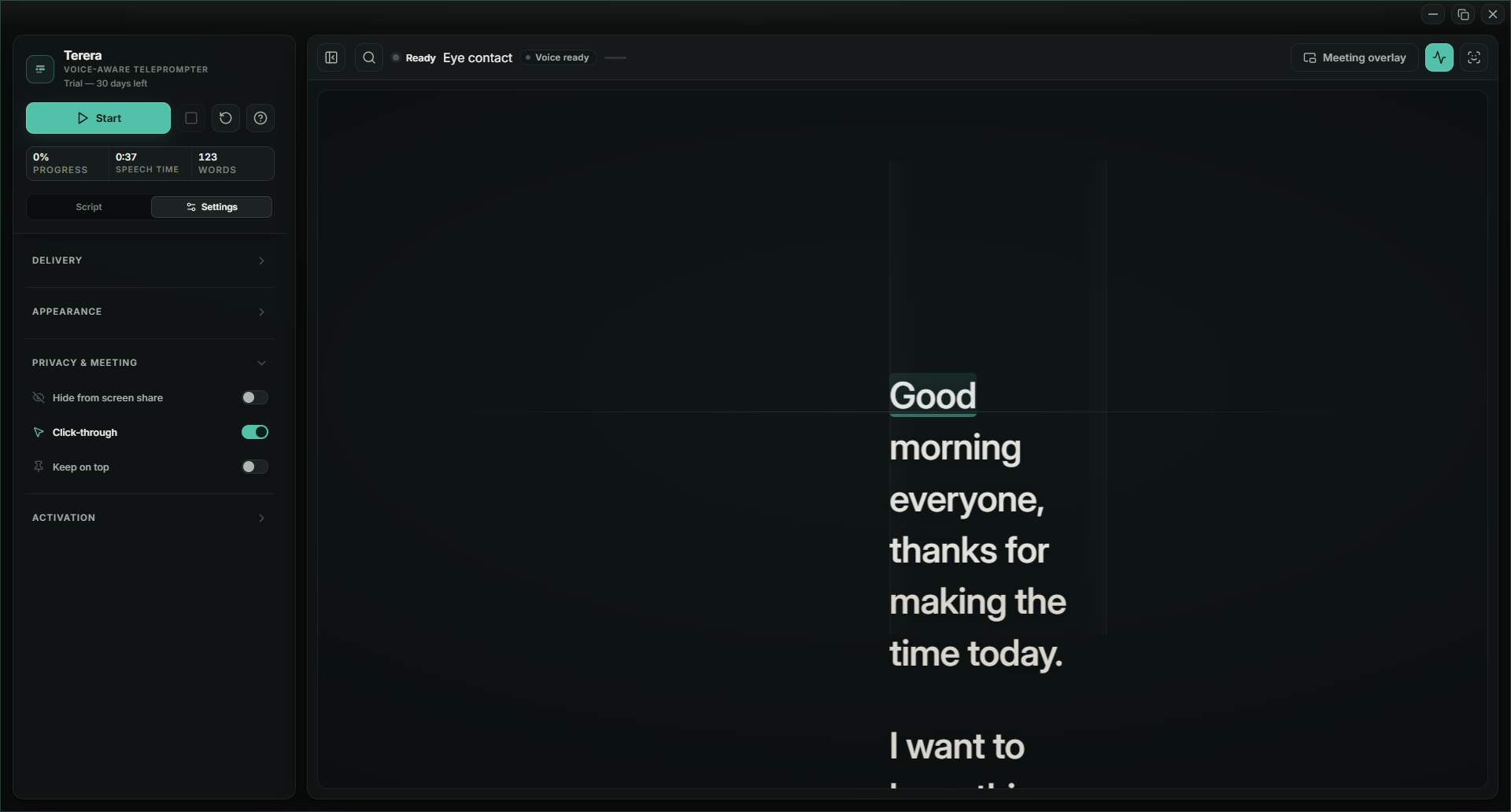
Privacy and meeting settings: hide from screen share, click-through, keep on top
Hide it from the screen share. Your audience never sees it.

Terera is Shona. It means listen — and pay attention.

An instruction to the software, not to you. It listens so you can stop managing a screen and talk.

05 — How it works

Paste, speak, keep the take.

It listens on your machine and matches your words to the page. The setup is pasting; the skill is one you already have.

{{ s.n }}
{{ s.t }}
{{ s.d }}
{{ s.tag }}
06 — Why the movement is the point

Left to right is a tell.

Eyes that sweep left to right and snap back are reading. Everyone watching knows it, even if they couldn't say why. The fixed stare is the other tell — pin the script under the lens and your eyes are steady, but locked on one spot, and nobody stares at one spot for a whole meeting.

Terera moves the transcript to where your eyes would go anyway — to the people on the call.

So the movement just looks like you, talking to people.

This is the year

THE LINE GOES WHERE YOUR EYES WOULD GO

Room mode sweeps the screen the way your eyes would cross a room — shown here over a four-person grid. You choose the mode; it never sees your call.

07 — In a live meeting

Your desk, your rules.

It sits over your slides.
Click straight through it. Your deck stays yours.
Nobody else sees it.
Turn it off in the share and the script is yours alone — your audience sees your slides, you see your words.
It stays where you put it.
Any screen, above everything, or out of the way.
08 — Where it runs One engine. Windows first, macOS next — and the licence covers both.
{{ p.n }}
{{ p.s }}
{{ p.d }}
How it listens
{{ e.k }}
{{ e.v }}
09 — Pricing

One payment. Not a subscription.

One payment, three of your own machines, and a year of updates. When the year is up, nothing stops working.

{{ t.name }}
{{ t.price }} {{ t.unit }}
{{ t.blurb }}
{{ f }}
{{ t.cta }}
Thirty days
Buy it, and if it's not for you, we refund you. Email us inside thirty days — no form, no reason needed. We can't know how it will handle your voice, your accent or your mic, and this is the honest way for you to find out.
New laptop
Your licence covers three machines. Install Terera on the new one and enter the same key. Reinstalling on a machine you have already activated doesn't cost you one of the three — it recognises the machine and carries on.
If you refund
The licence ends and the key stops working. Not that second — the app checks in every couple of weeks, and it stops at the next check. See refunds.
10 — Questions

The ones people ask.

{{ f.a }}

Thirty days to change your mind.

USD 89 once, tax included, three of your own machines. Take it into the calls that matter, and if it doesn't earn its place, email us inside thirty days and we'll refund you. Your script and your voice stay on your machine either way.

Windows first · macOS to follow · USD 89 once, not a subscription
Terera
A voice-following teleprompter for Windows. Your script and your voice stay on your machine. Built by one founder in New South Wales — the software listens; the founder answers the email.
{{ col.h }}
© 2026 TERERA Made in New South Wales, Australia · support@terera.app
Cited: Schroeder & Epley, Psychological Science 26(6), 2015, 877–891 · doi:10.1177/0956797615572906 — the study concerns job candidates; applying it to your meetings is our inference.
No cookies, no tracking scripts, no consent banner. Cloudflare keeps standard server logs; the privacy policy says exactly what that means.
Terera
USD 89 ONCE · NOT A SUBSCRIPTION