Keep your next thought near the camera.
One transparent reader for a conversation, a recording or a call. Your words stay close, so your eyes can stay up.
Voice-following
teleprompter for Windows and Mac
You have something to say.
Stay with the people you’re saying it to.
Terera follows your voice word by word, waits when you pause, holds your place when you go off script, and resumes when you return to the script.
Start with a 14-day free trial: everything included, no card, no account. Then USD 29 once, at the launch price until 30 November.
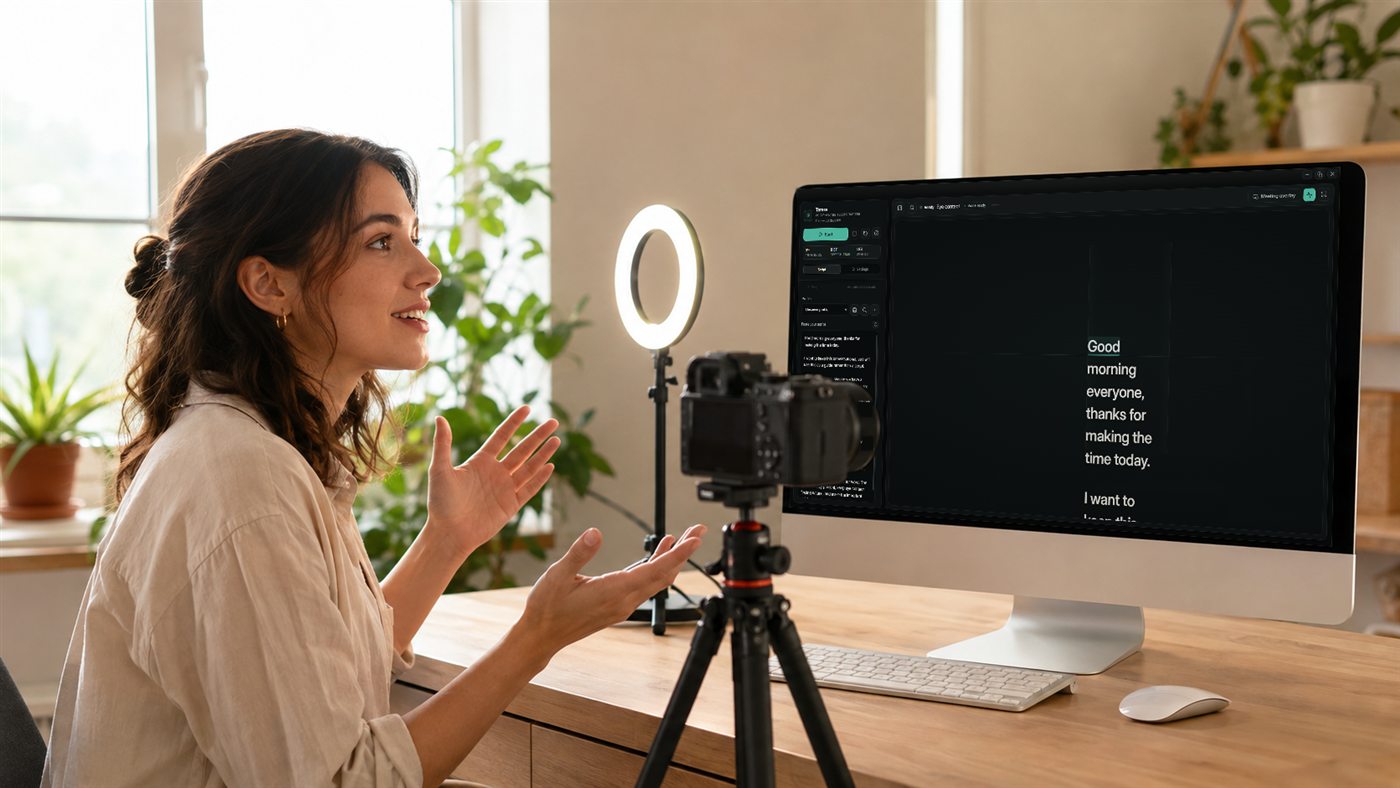
A transparent reader over the software you already use.
Try the interactive demoOne person, two people, a room. Scroll through the ways Terera keeps your next thought in view.
Our library used to close on Saturdays.
Three neighbours helped us open the doors.
Now, Saturday mornings are busy again.
One transparent reader for a conversation, a recording or a call. Your words stay close, so your eyes can stay up.
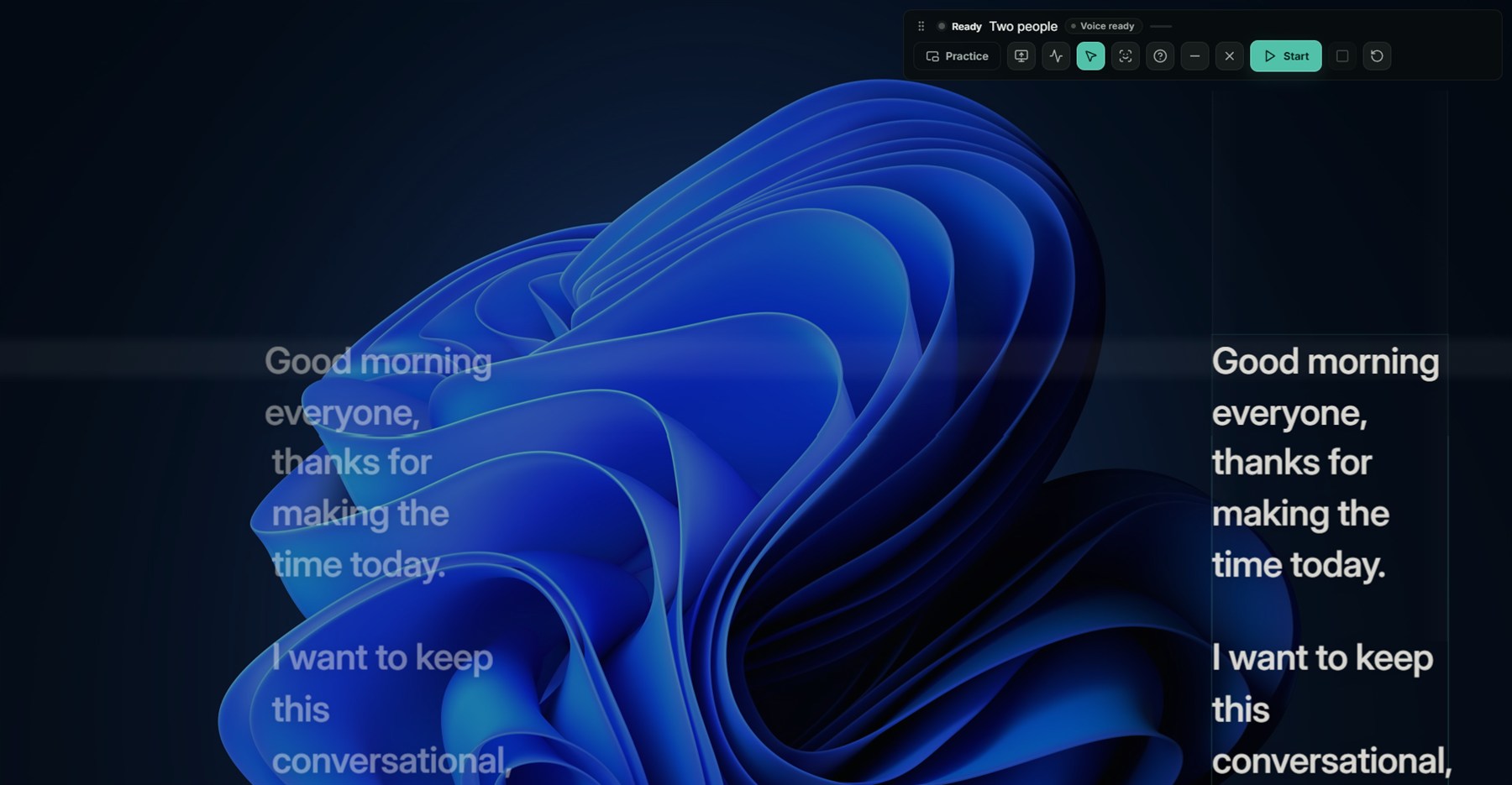
The bright view leads. The other is ready. Terera looks for a sentence break before handing over, so you can give both people your attention.
Stations keeps three reading positions fixed, with two views at a time. Prefer one window travelling around the screen? Try Room → Moving in the live demo.
Scroll changes the audience. The words follow a steady speaking pace. In Terera, they follow your voice word by word. Try speaking, pausing and going off script.
Hold to speak. Let go to listen.
Then try going off script.
Two fixed views. The bright one is live.
Words close to the camera. Small, natural drift.
The same script in two fixed views. The bright one is live.
Two panels across up to three stations. Or one window that travels.
You’re back where you left it.
Take it into your next callThis is a simulation. In Terera, your microphone does the driving. Your voice is processed on your computer.
Long lines give your eyes a lot of ground to cover. Terera puts shorter reading views near the people you’re talking to, with a handover between sentences.
Good morning, everyone.
Thanks for making the time.
We’ve made a few changes.
Let me show you what’s different.
Then I’d like to hear what you think.
Read across. Return. Repeat.Text scrolling
Read. Finish a thought. Turn.Left view leads
Simulated reading paths, not recorded eye movements. Terera follows your voice word by word; it doesn’t track your eyes. This illustration uses no camera or microphone.
Try the live demo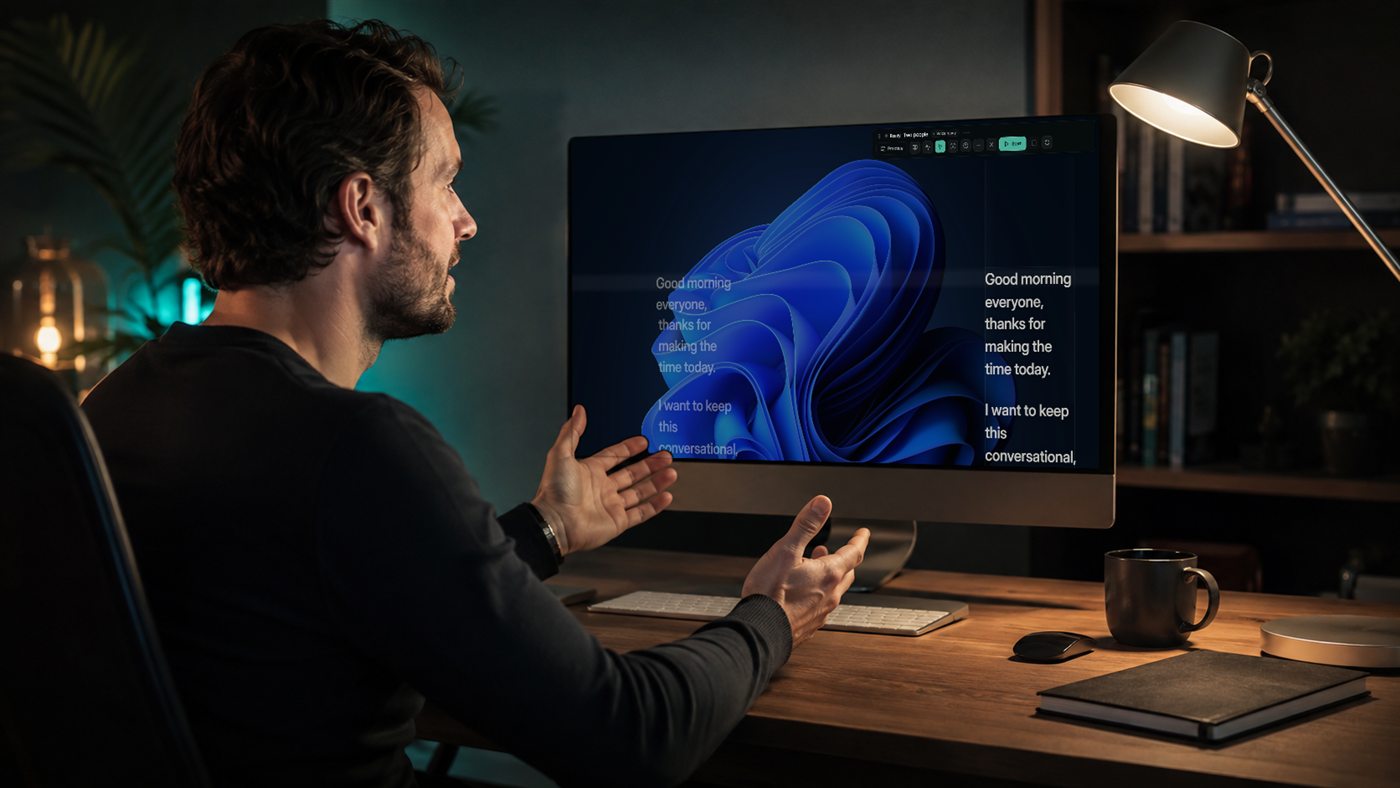
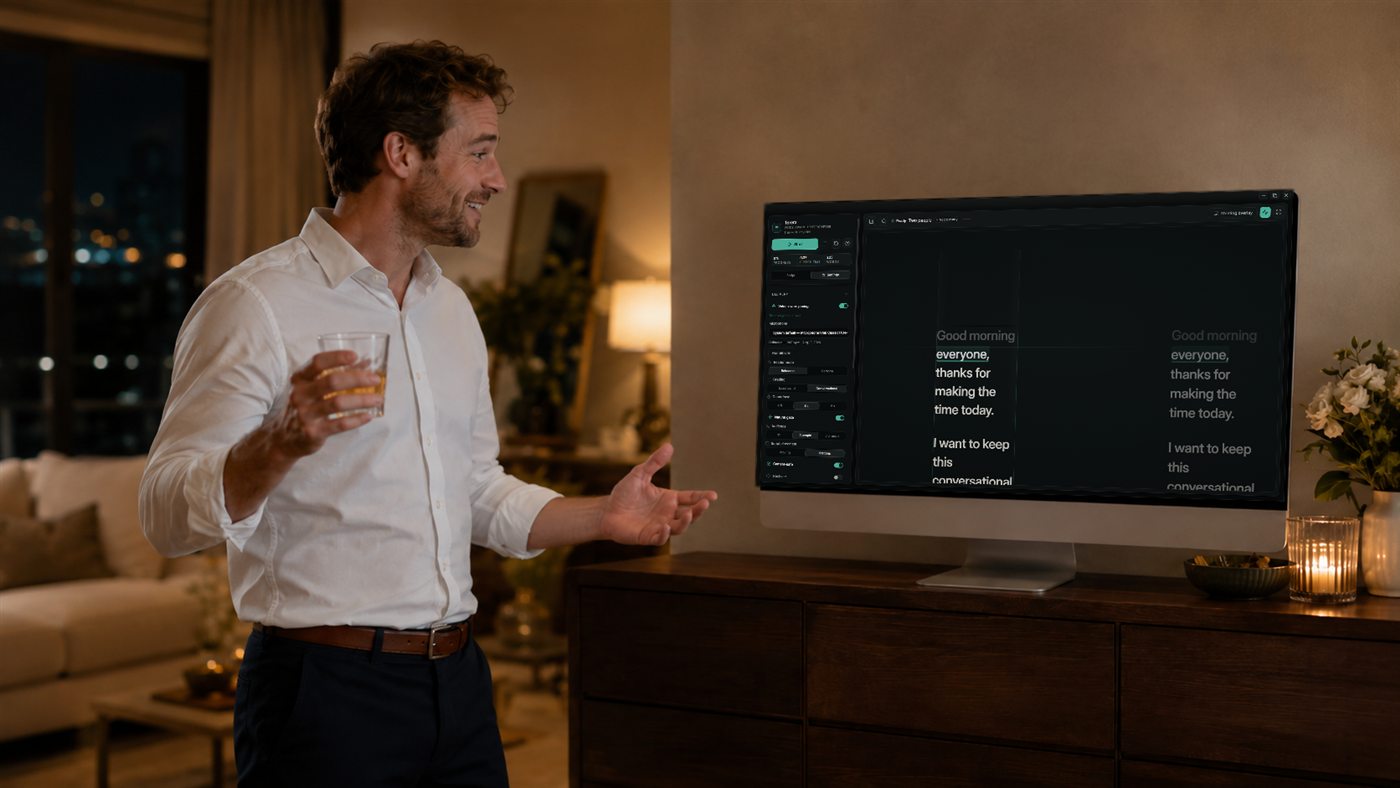
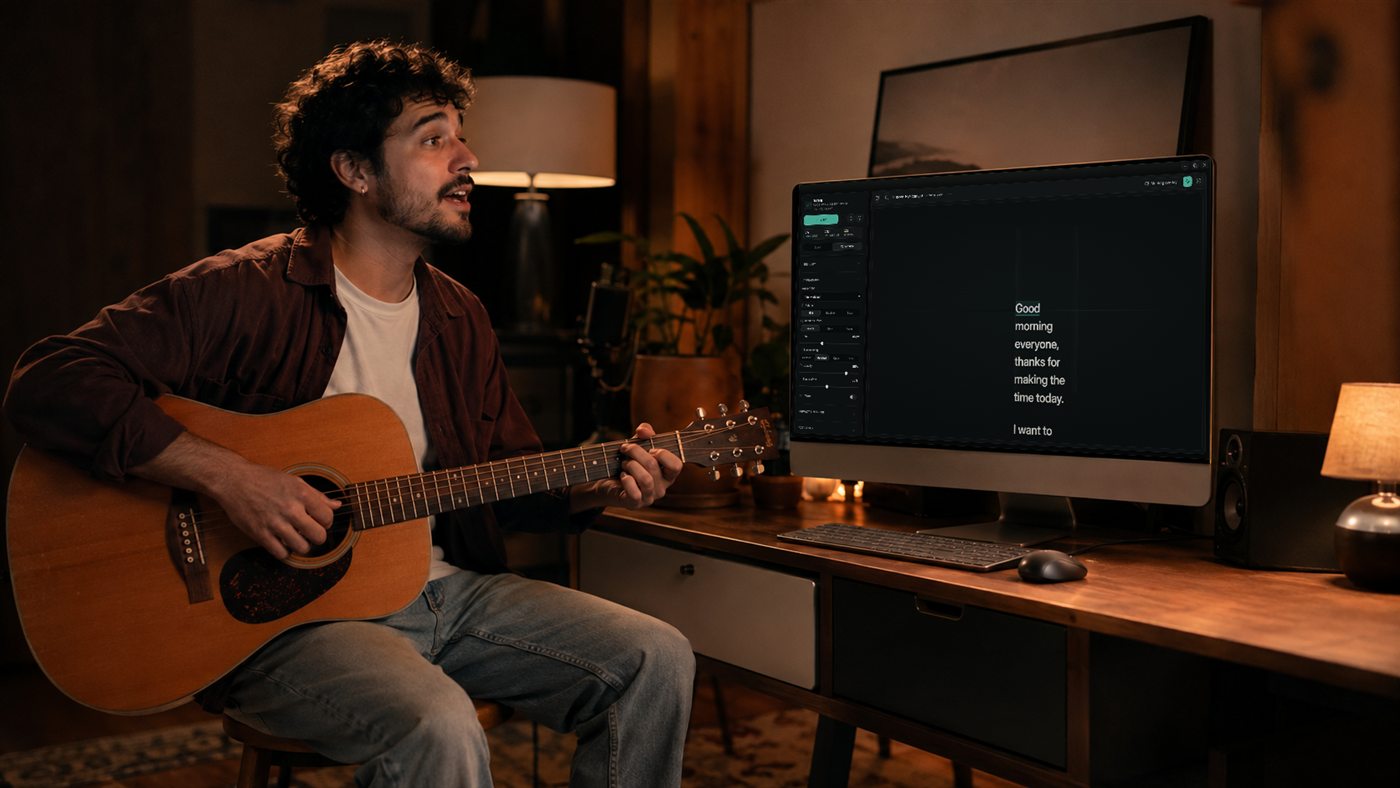
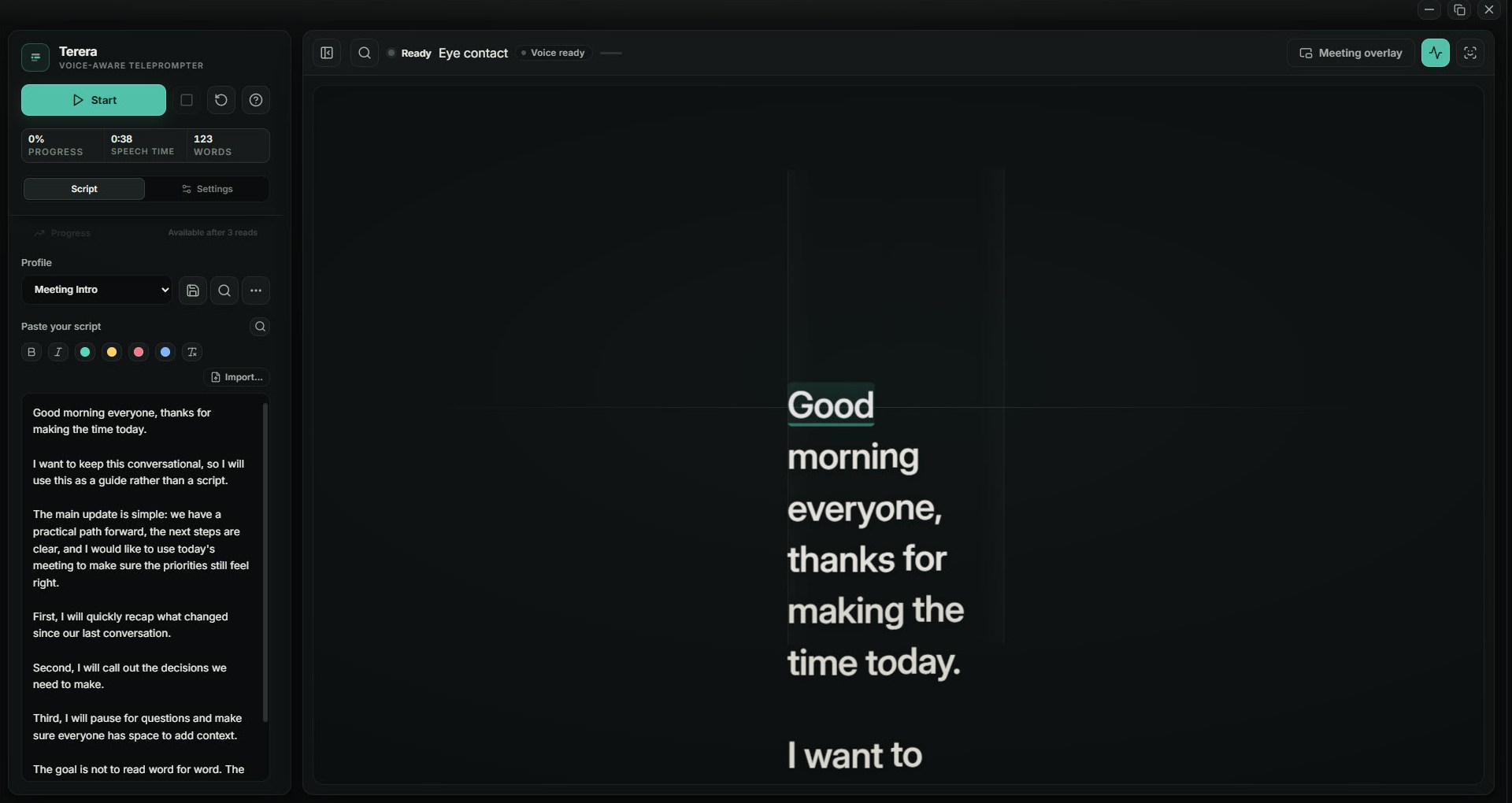
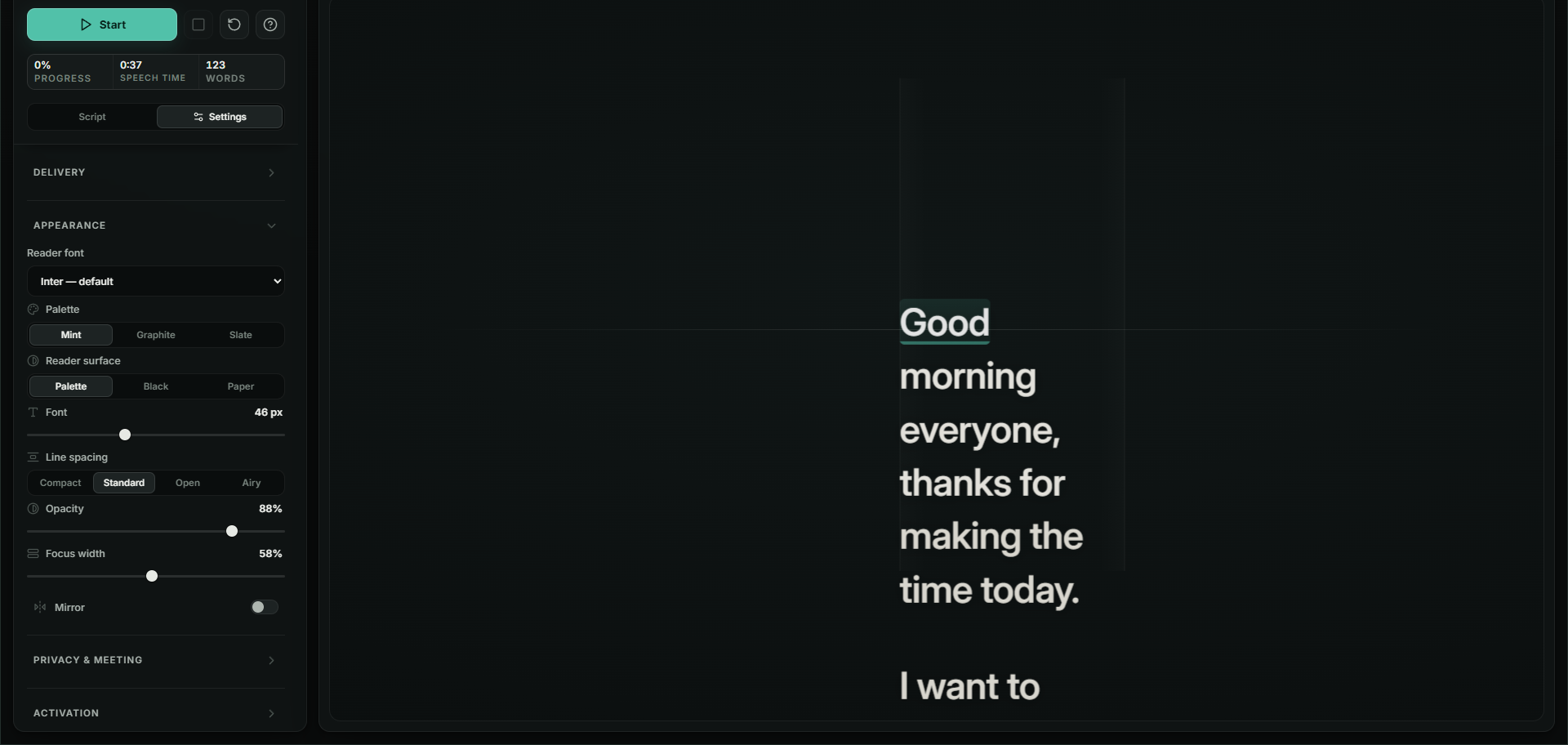
Bring a Word document with its emphasis intact. Put the reader by your camera. Rehearse with feedback; switch to Perform for a quieter view.
The floating reader
Your script, with its emphasis
A surface you can read comfortably
Rehearsal feedback on pace, holds and returns is saved locally, ready for your next practice.
Your script, voice and rehearsal history stay on your computer. Here’s what happens to each.
On your computer
Your script stays on your computer, from the editor to the reading overlay. It isn’t uploaded to Terera.
Speech recognition runs on your own computer. Audio is discarded as it goes; your voice isn’t sent to a cloud speech service.
Pace, pauses and returns are saved in your local rehearsal history. You can come back to them. We don’t receive a copy.
About 190 MB downloads on first run. After that, speech recognition runs on your own computer.
One short message when you start it, so each computer gets one. It carries a one-way code for the computer, never your script or your voice.
Activation and periodic licence checks. Your script, audio and rehearsal history are never included. A failed network connection alone won’t lock you out.
For the work you present, the stories you tell, and the conversations that take their own course.
One payment. Tax included. No subscription. Launch price until 30 November, normally USD 89.
Start with a 14-day free trial: everything included, no card, no account. Then USD 29 once, at the launch price until 30 November.
The 14-day free trial is the first answer to “will it work for me”. This guarantee is the second: if you buy and change your mind within 30 days, you get your money back.
Practical guides for the calls and presentations you already make.
Keep your script close during a Teams call.
Read your words while you stay with the call.
Three ways to keep your notes beside your slides.
What it means to follow your voice word by word.
Terera is a desktop overlay for Windows and Mac, not a plug-in. It floats over Zoom, Microsoft Teams, Google Meet, your slides or your recording software, with clicks passing through to the window beneath. Screen-share hiding depends on the capture method your app uses, so check your sharing preview before a live call.
On Windows, yes, on one monitor. Terera floats above the slides and your clicks pass through to the deck beneath. Screen-share hiding depends on the capture method your app uses, so check your sharing preview before a live call.
That is the name many people search under. What Terera does is narrower and easier to check: it follows your voice word by word, waits when you pause, holds your place when you go off script, and resumes when you return to the script.
The reader holds its position and offers the next few words as a pickup cue. When your speech matches the nearby script again, it resumes. You can answer a question without managing the scroll.
In one-to-one and two-person mode, a pause gives you room to listen. Terera matches microphone input to your script; it does not identify speakers. A headset helps keep other voices out of your microphone.
Yes. Import a .docx file or paste formatted text. Bold, italics and colour carry into the reader. Plain text and Markdown text work too; PDF and older .doc imports aren’t supported.
Terera currently follows English speech. Your accent, microphone and background noise affect recognition. The 14-day free trial lets you find out in your own setup before you pay.
The app downloads its speech model, sends one short message when you start the free trial, and contacts the licensing service to activate and re-check a licence. Your script, audio and rehearsal history stay on your machine. Read the technical details.
Speech recognition runs on your own computer. Terera needs the internet for setup, when it downloads its speech model, and for periodic licence checks. A failed connection alone does not lock you out.
Yes. Terera runs on Windows 10 and 11, and on Macs with Apple silicon or an Intel processor running macOS 15.5 or later. One licence covers both, across three of your own machines.
Start with the 14-day free trial. One payment of USD 29, tax included, at the launch price until 30 November. There is no subscription and no account: a licence key is emailed from licence@terera.app a minute or two after you pay, and you paste it into the app once. It covers three of your own machines and 12 months of updates. After that, your installed version keeps working.
Your installed version keeps working. The purchase includes 12 months of updates and three personal devices. It is not a subscription.
Download Terera and start the 14-day free trial. Everything is included, voice following too, with no card and no account. Use it with your own voice, your microphone and the calls you actually make. If you buy and then change your mind, you have 30 days to ask for a refund.
The next time you open Terera, it asks for a licence key. A session you are in the middle of is never interrupted. Buy a licence, paste the key, and carry on: your scripts and settings stay as they were.
Email support@terera.app within 30 days for a full refund. No reason needed. A refund ends the licence. Full refund policy.
Because it does a different job. Most scrolling prompters cost less, and if a steady scroll is all you need, one of them is the better buy. Terera follows your voice word by word, waits when you pause, holds your place when you go off script, and resumes when you return to the script. USD 29 once until 30 November, with 30 days to change your mind.
Yes, as a timed teleprompter for lyrics. In Settings → Delivery, turn off Voice-aware pacing and choose a Speed. Press Space to start or pause. Voice-following is designed for speech and does not sync to singing.